IMB_Realty
This page showcases features for my latest personal project: IMB_Realty. This site was built using Blazor, .NET, and C#. The goal for this project was to learn C# and .NET development, as well as become familiar using the Blazor framework. I had never worked with this technology stack before beginning this project. I had previously only worked with JavaScript and Node.js for web development. There are other features I'd like to add to this project, however, completing it to this state has given me a strong understanding of the Blazor development workflow.
Homepage
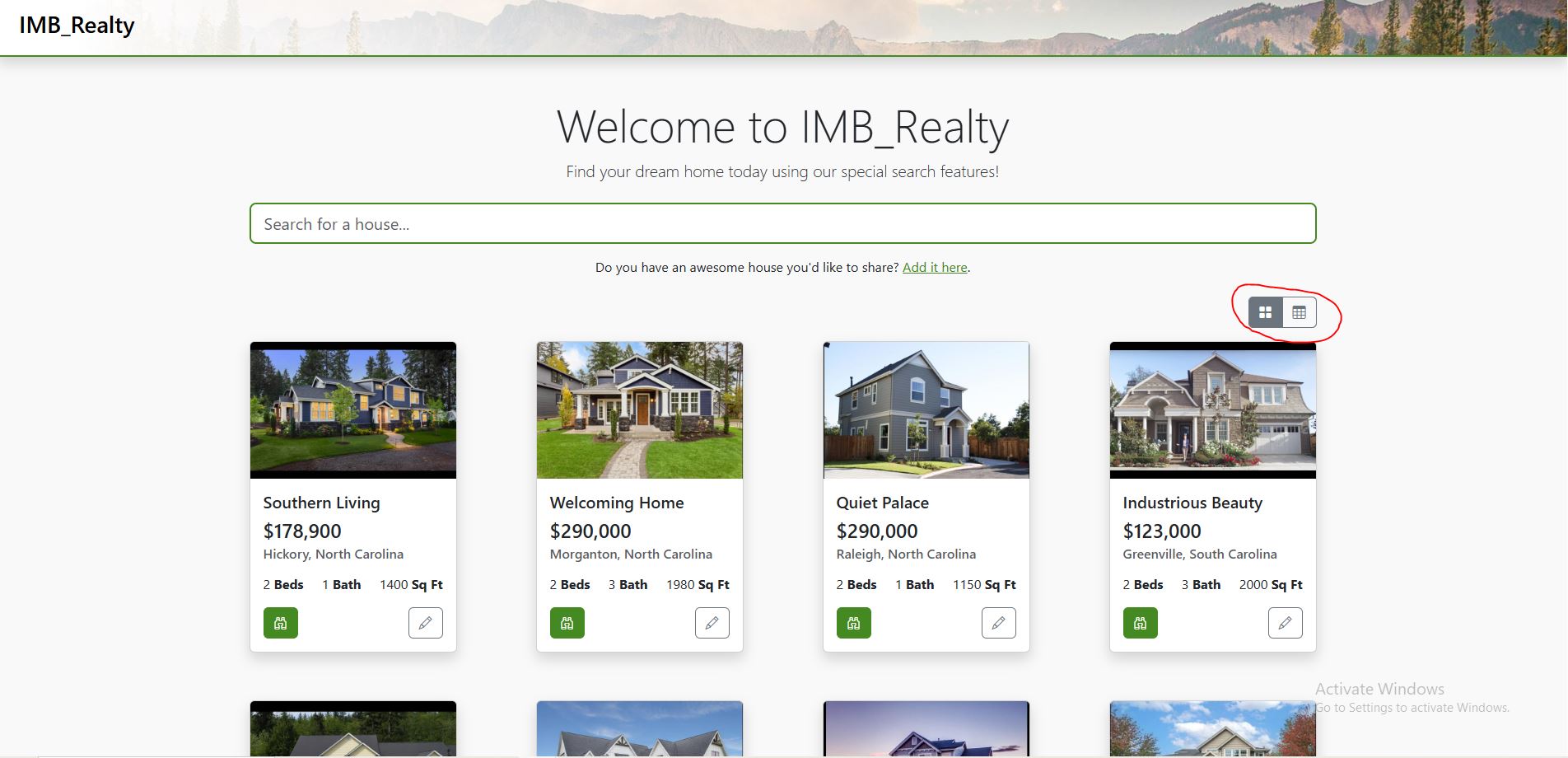
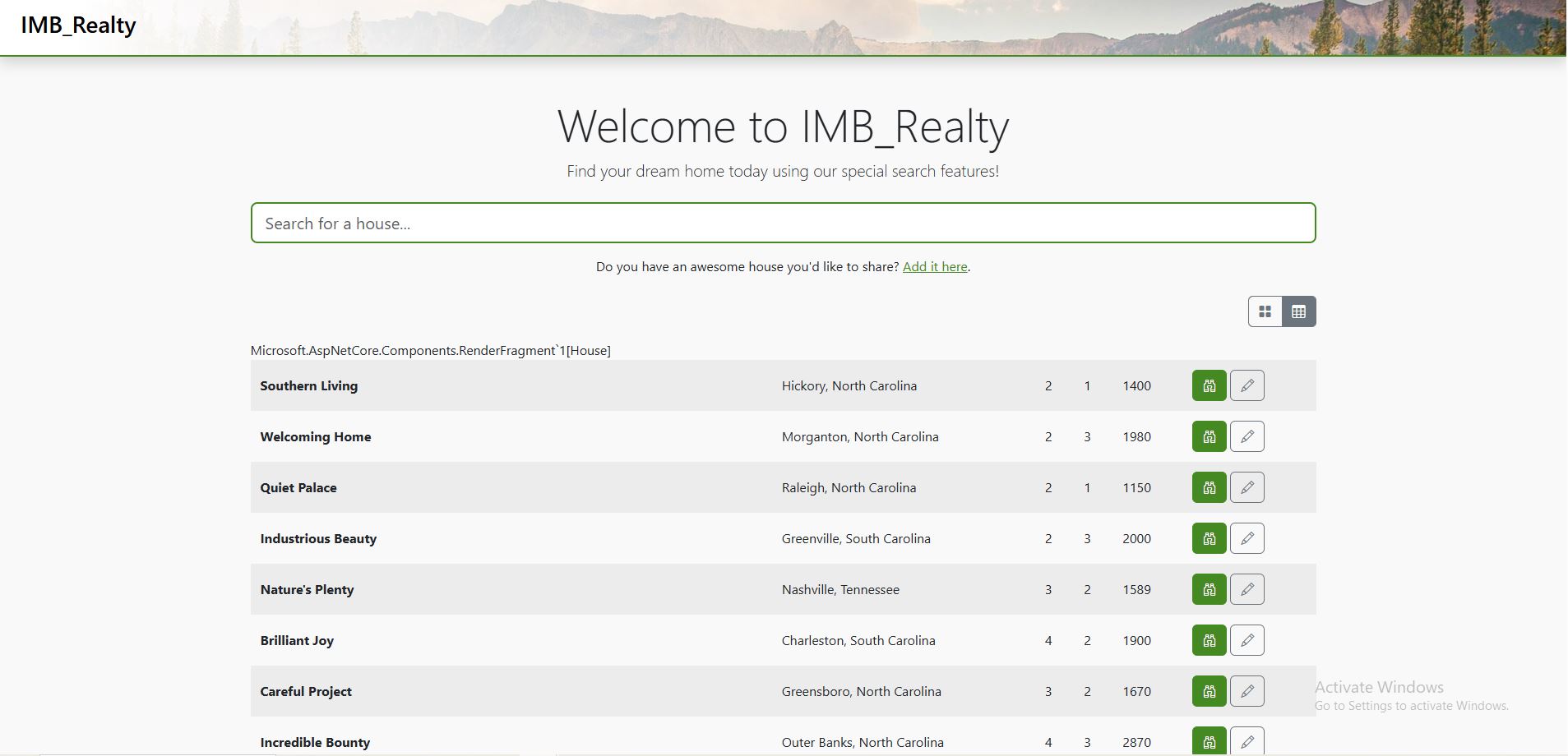
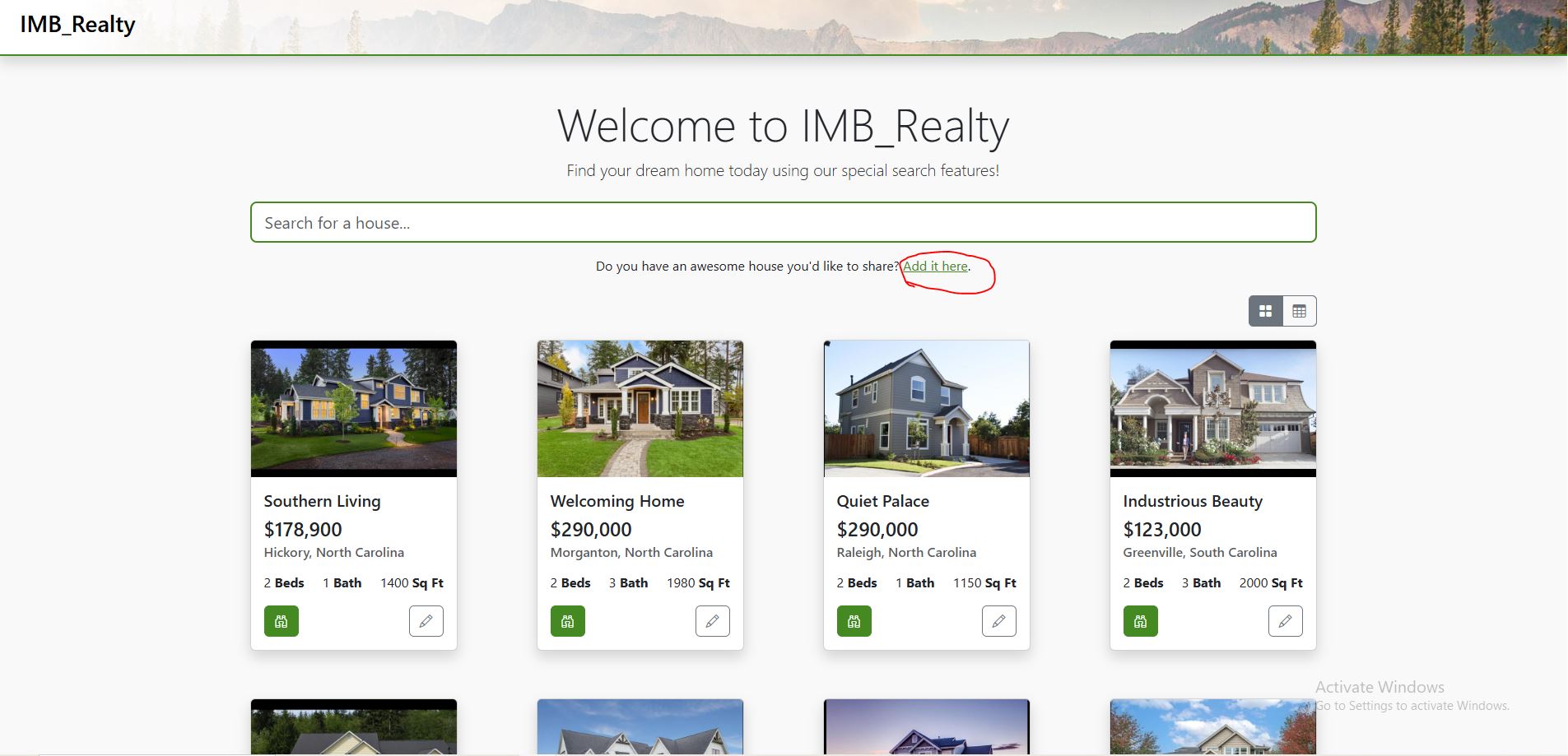
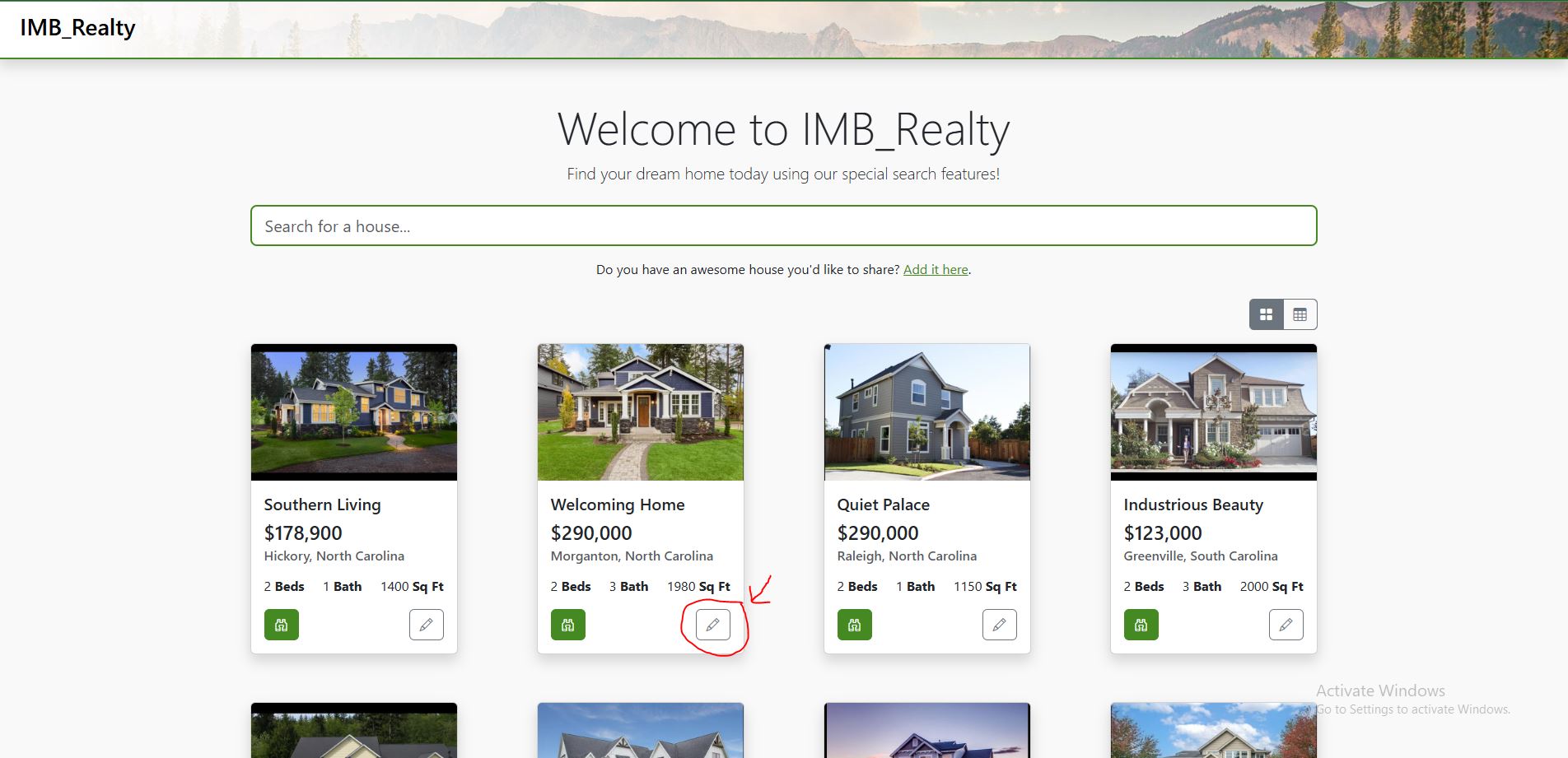
The Homepage for my IMB_Realty site includes the name of the site and a welcome message. The page automatically loads into a grid-view listing of all the houses stored in the database of the site. This view can be changed to a table view by clicking the icon circled on the right.
Search Feature
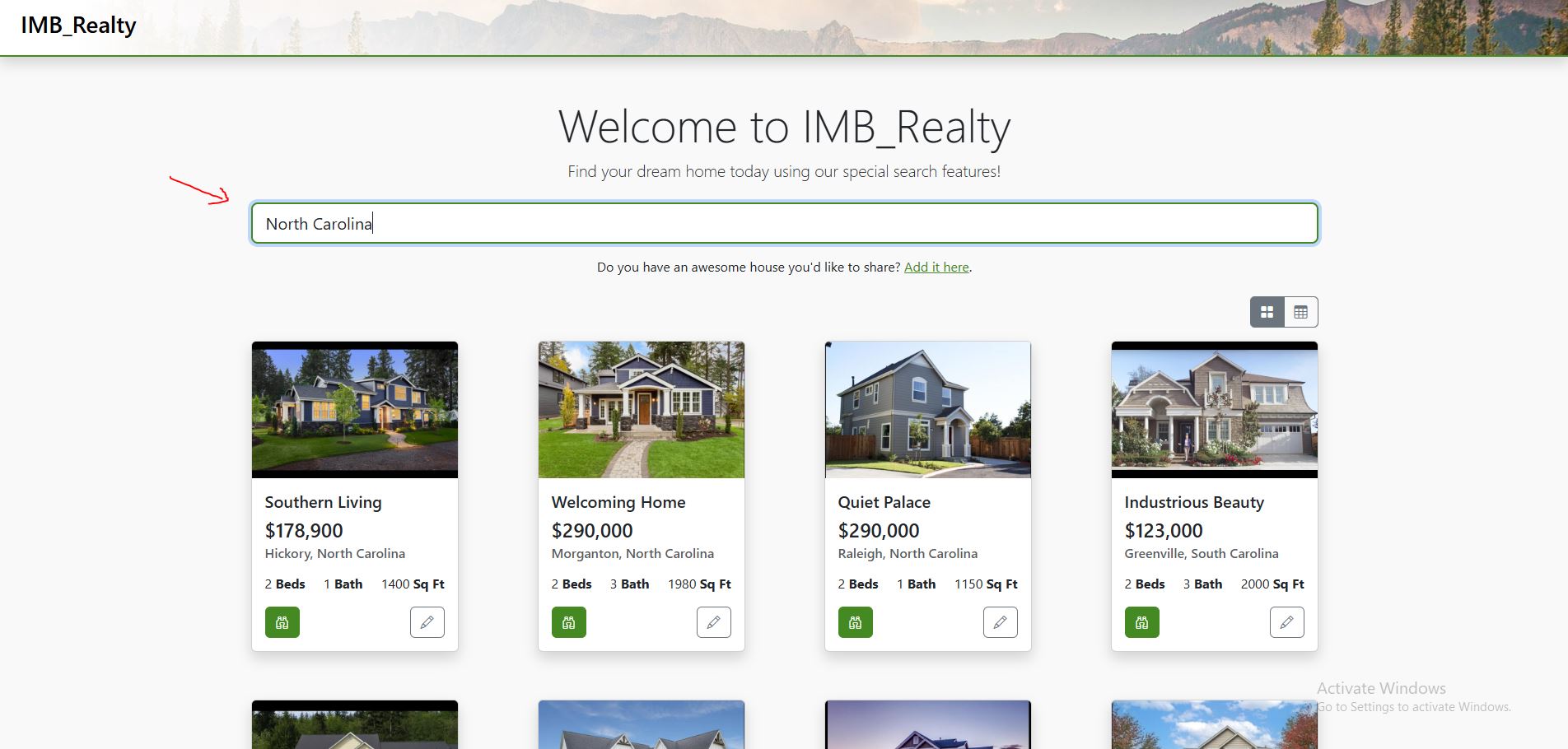
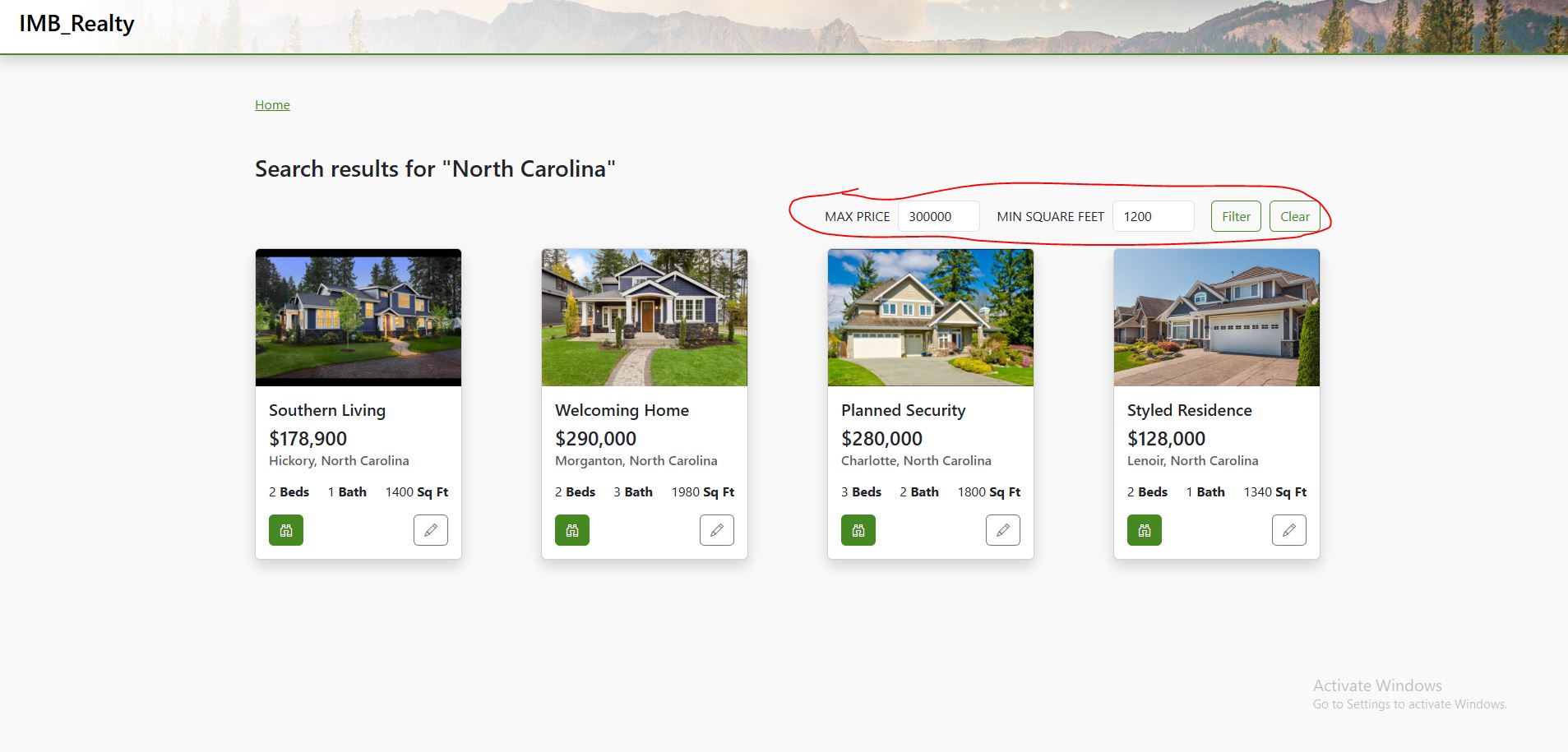
The search feature is visible on the homepage of IMB_Realty. With this feature it is possible to search for houses by title and/or location. Once the search term is typed and the user presses Enter, they're directed to the search results page. This page allows the user to filter their search results further by Maximum price and Minimum square feet.
Add House Feature
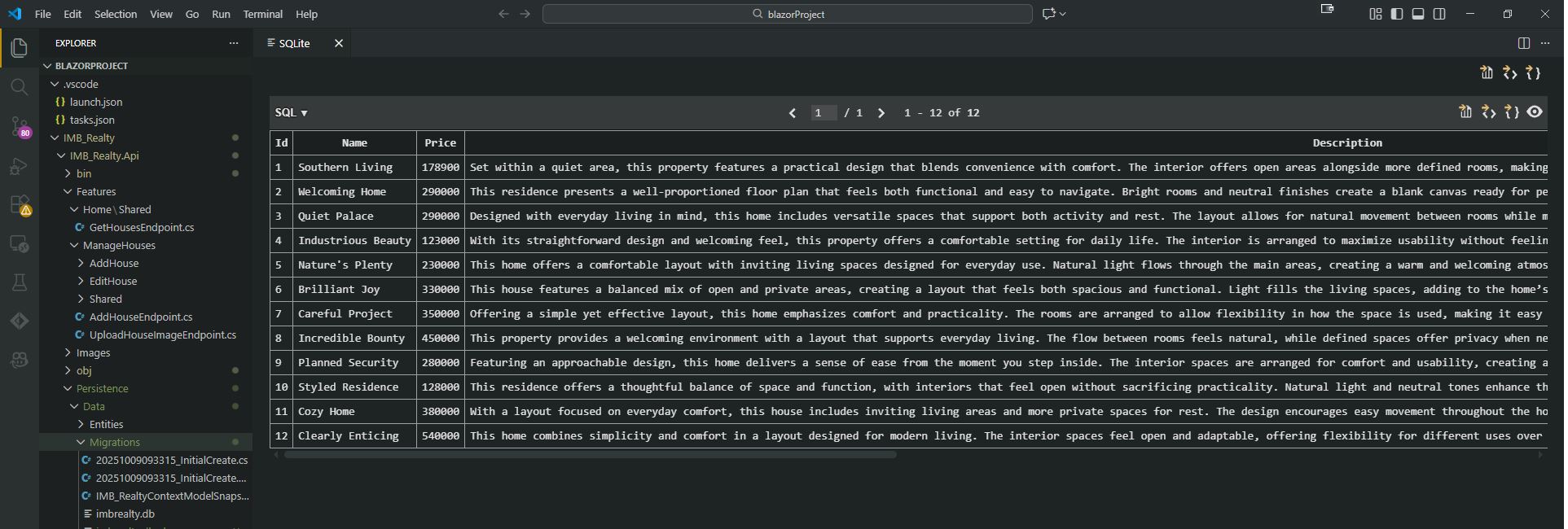
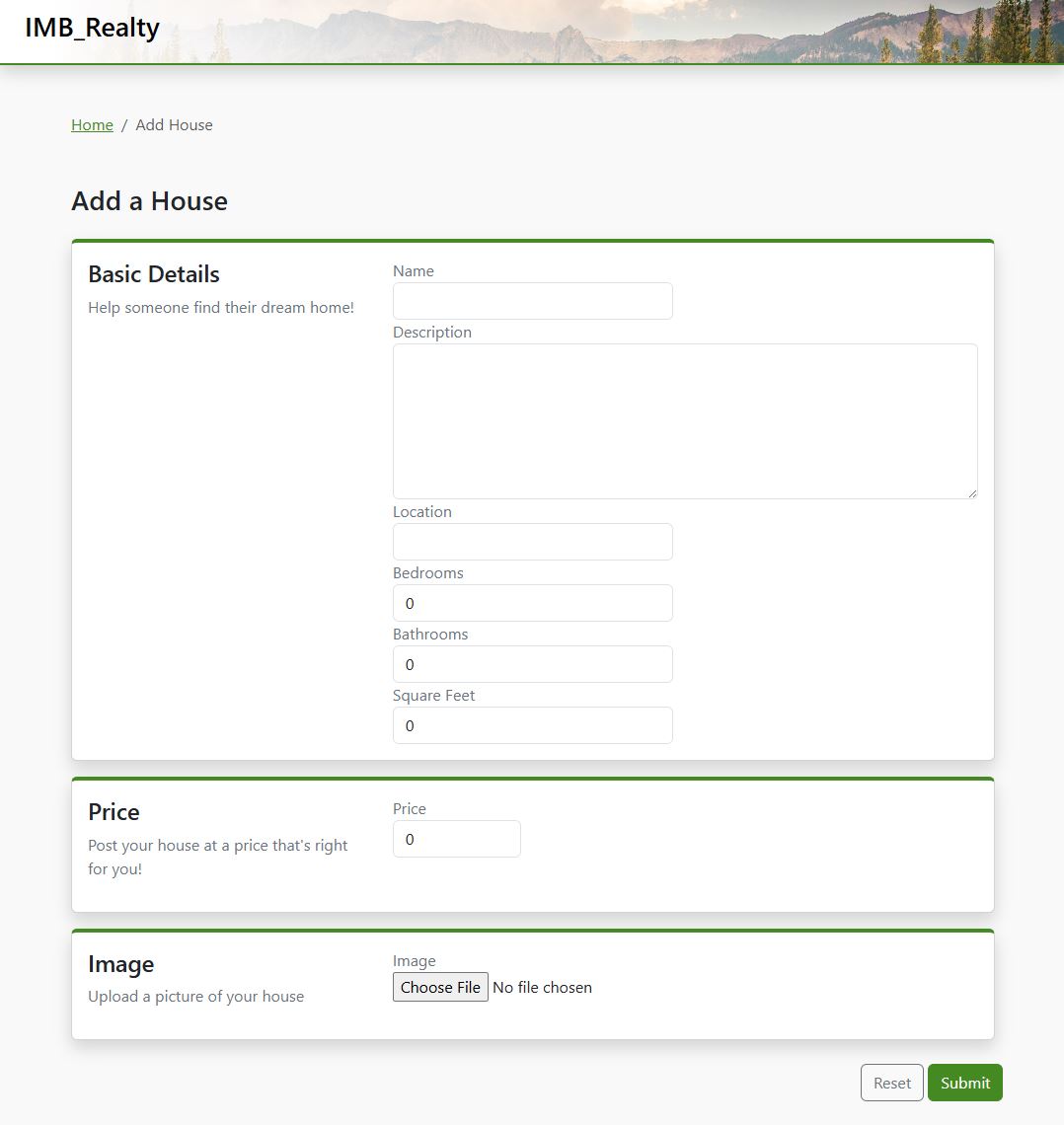
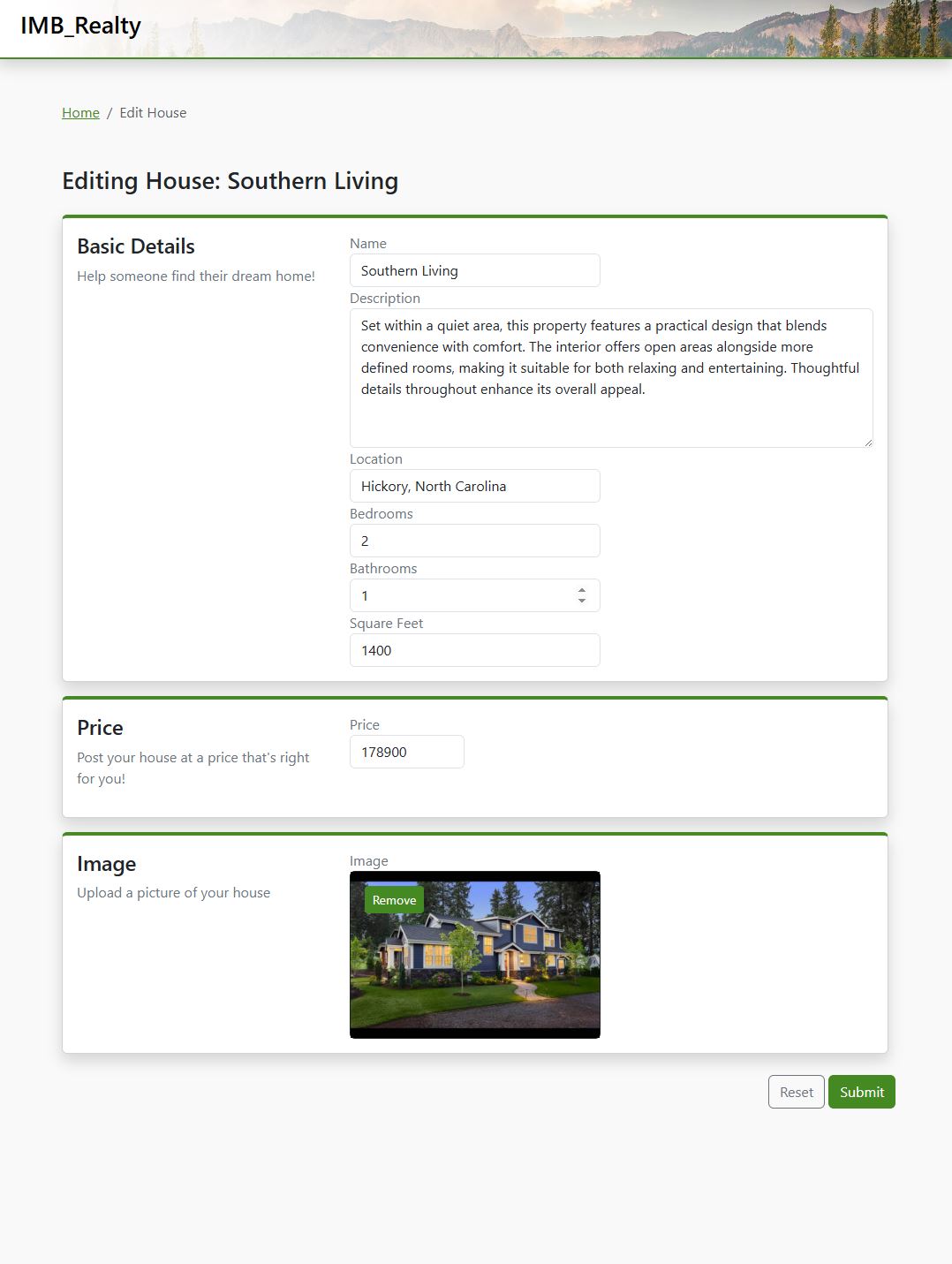
This site is built using a local SQLite database. This allows me to store information in my local API project that I built for the project. Stored in the database is an Id for, the name, the price, a description, the image, the number of bedrooms, bathrooms, and the square footage for each house. These detais are able to be added on the site's "add-house" page.
Edit House Feature
The edit-house button can be seen on the homepage, and is indicated on the site by the pencil icon. (All icons for this project were implimented using Bootstrap.) Once the edit button is clicked, the user will be directed to the edit-house page where they are able to edit any information of the selected house.
House Details Feature
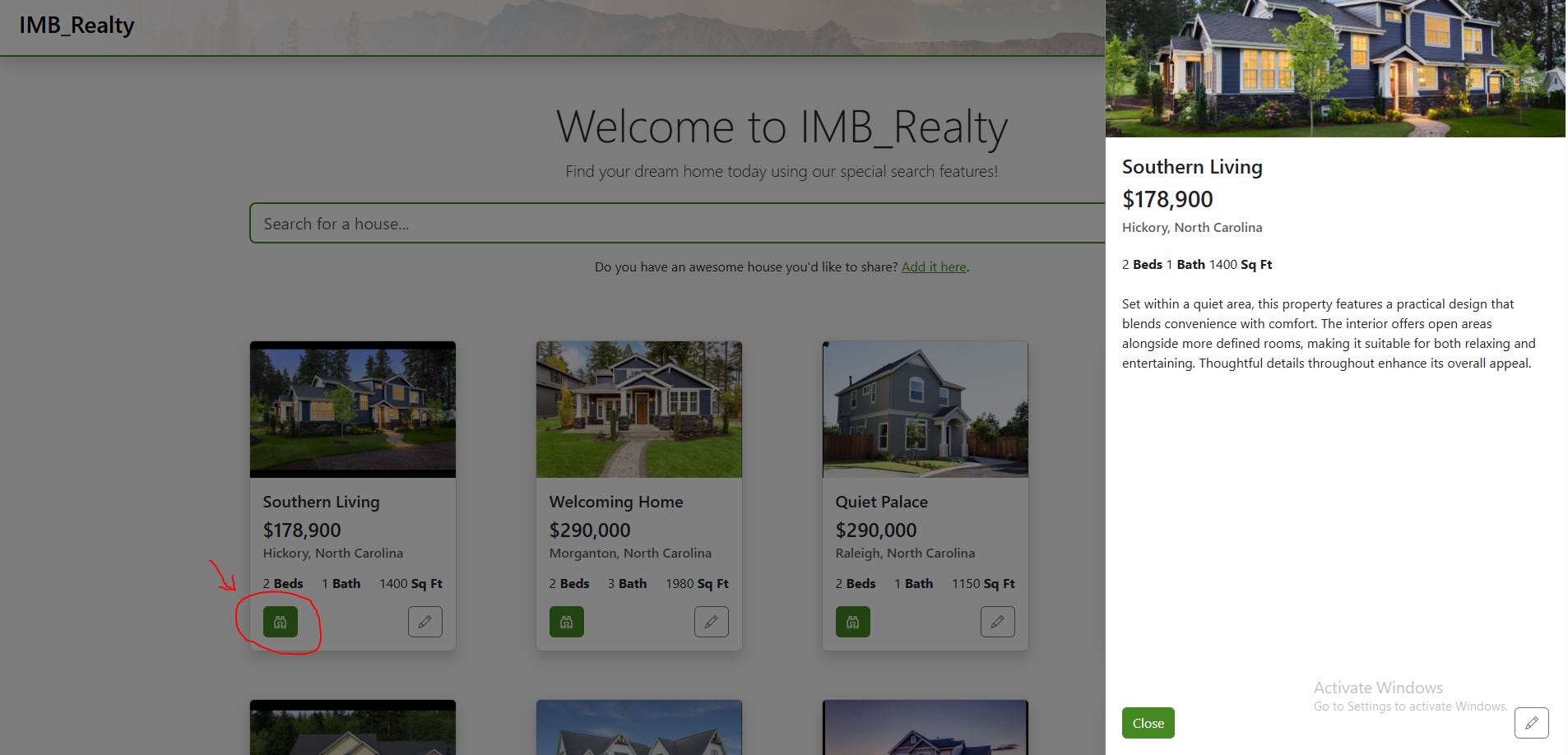
Each house has a "view" button, indicated by the binoculars icon. Once this button is clicked anywehere on the site, a "details" drawer is opened on the right hand side of the page. This drawer slides out using a CSS animation, and gives a more detailed description of the house.